
Lauritzen Scholar
Academic writing, done honestly.
A distraction-free writing workspace where every claim you make can be checked against the sources you actually cited.

Write with your sources
Not an AI ghostwriter — a clean space to write, with tools that catch the mistakes that cost real grades.
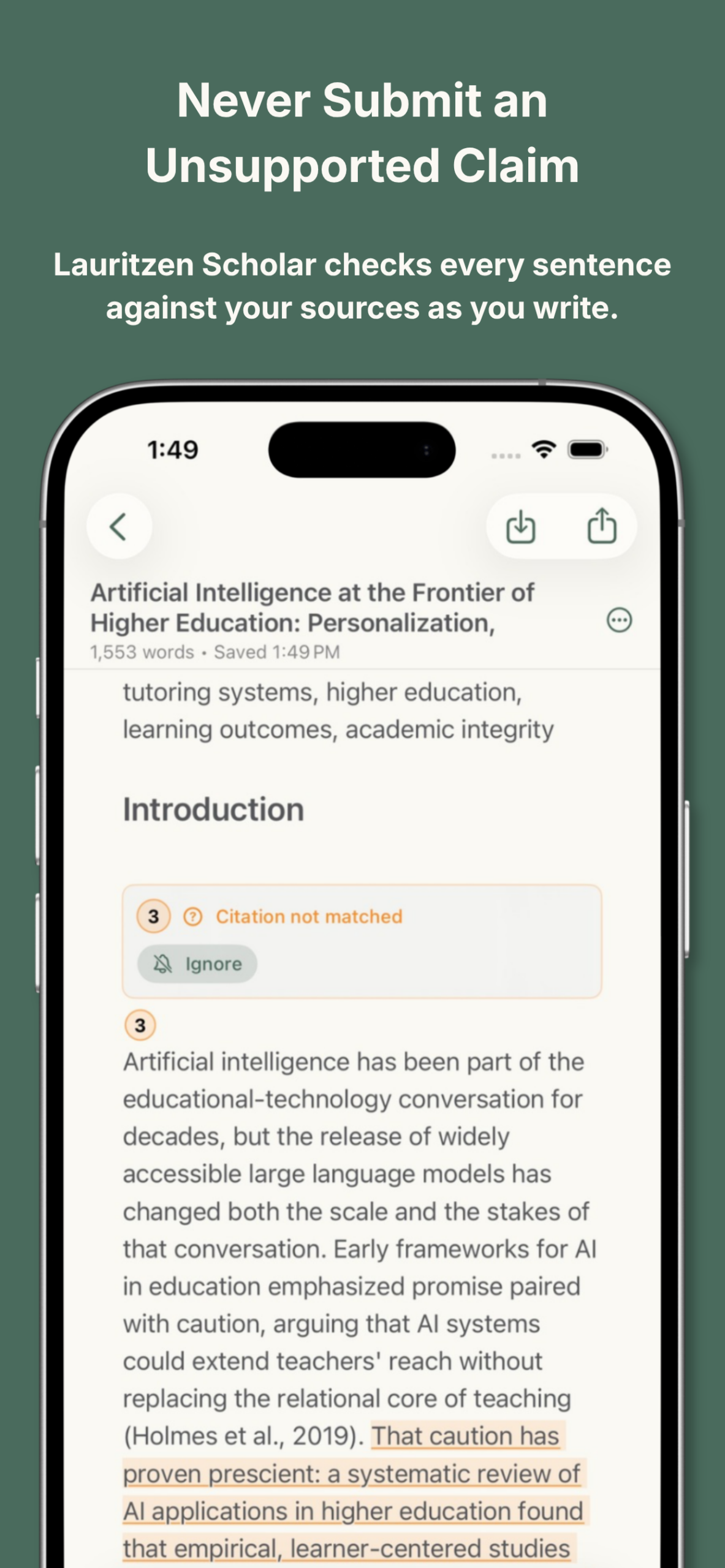
Citation checking, as you write
As you write, every sentence is checked against your source list — flagging direct quotes without a citation, “studies show” with nothing behind it, and citations that match nothing in your bibliography.
Structure before you draft
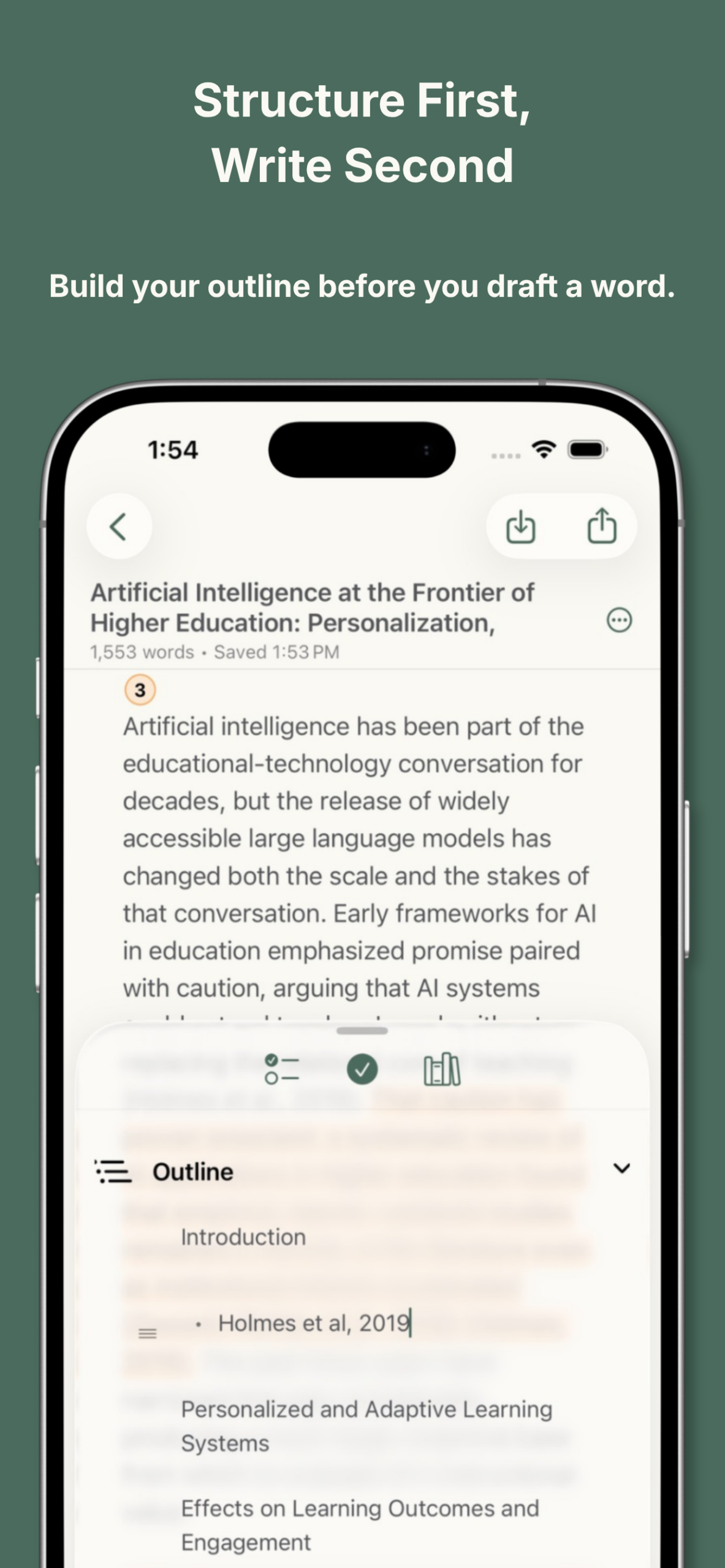
Start from five built-in templates — 5-Paragraph Essay, Argumentative Research Paper, Literature Review, Lab Report, Annotated Bibliography — each with a starting outline you can reshape immediately.
Export it your way
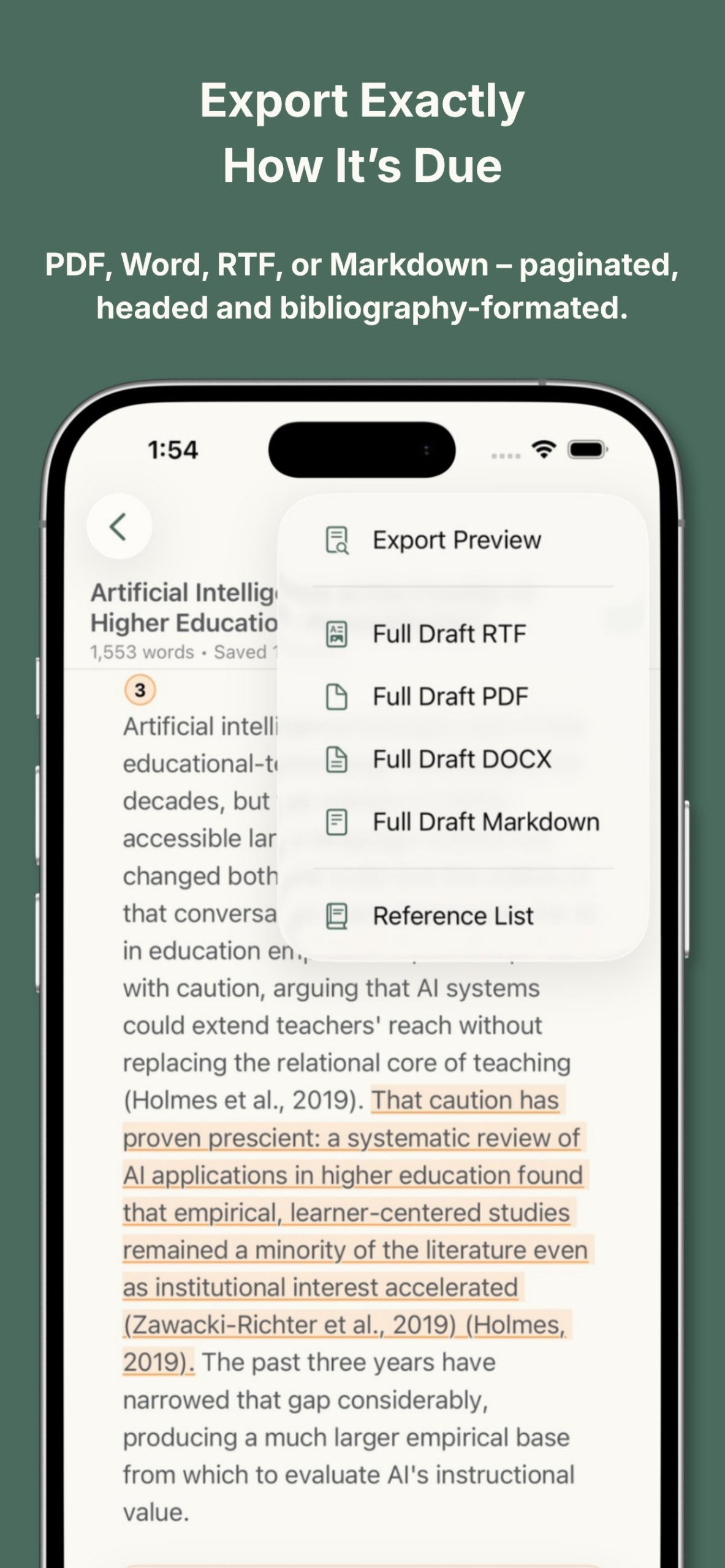
PDF, Word (DOCX), RTF, or Markdown — with correct pagination, running headers, and a bibliography on its own page.
Every major citation style
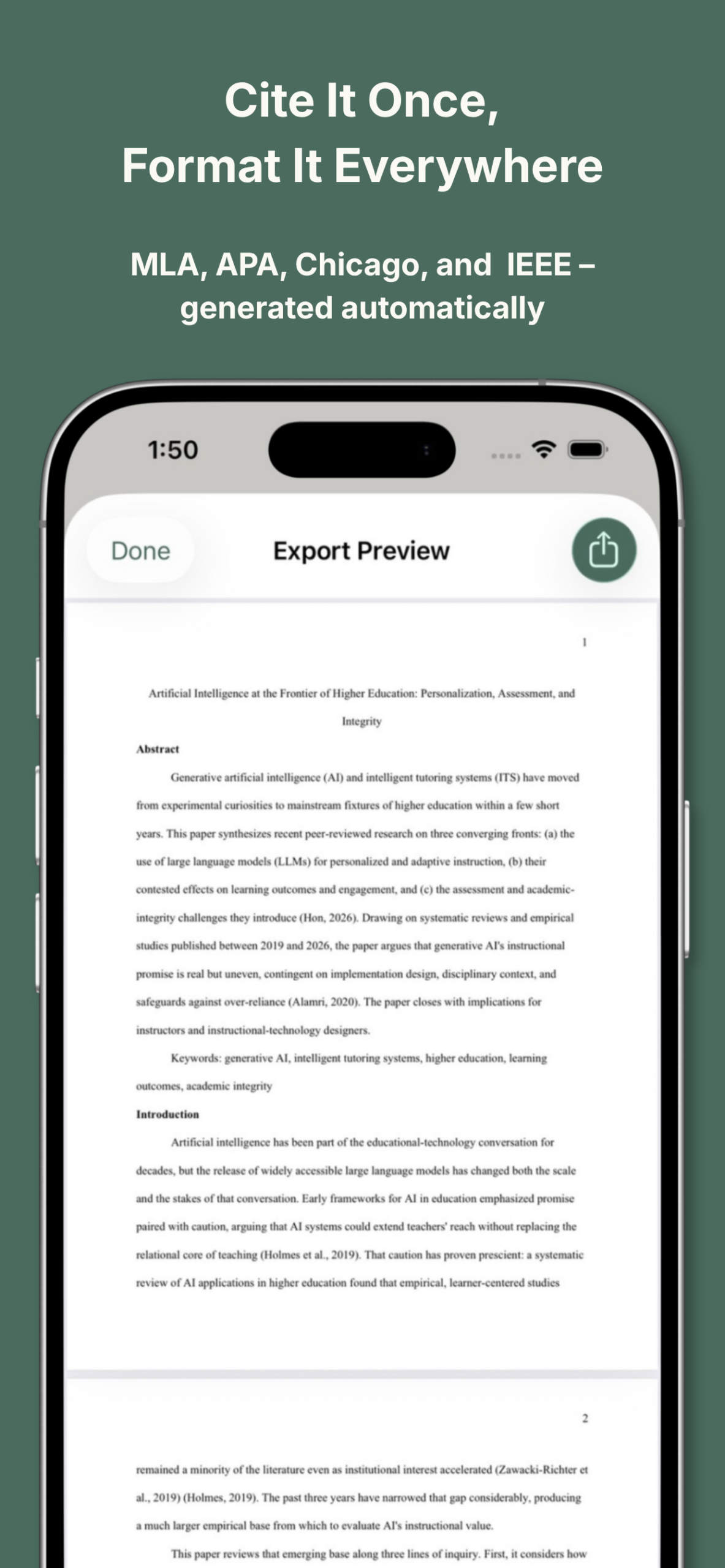
MLA, APA, Chicago, and IEEE. In-text citations and bibliographies generated automatically, whether it’s a lit review or a lab report.
And so much more
- Know exactly what’s left to do — paste your assignment prompt and track targets section by section.
- Sources, organized — add by DOI, ISBN, or URL with metadata pulled automatically.
- Never lose a version — save snapshots and restore them anytime.
- Built to be used by everyone — Dynamic Type, VoiceOver, and one-tap presets for Dyslexia, ADHD, and Low Vision.
- Your writing stays yours — local-first, optional iCloud sync, nothing leaves your device.
Lauritzen Scholar — $19.99 on the App Store.